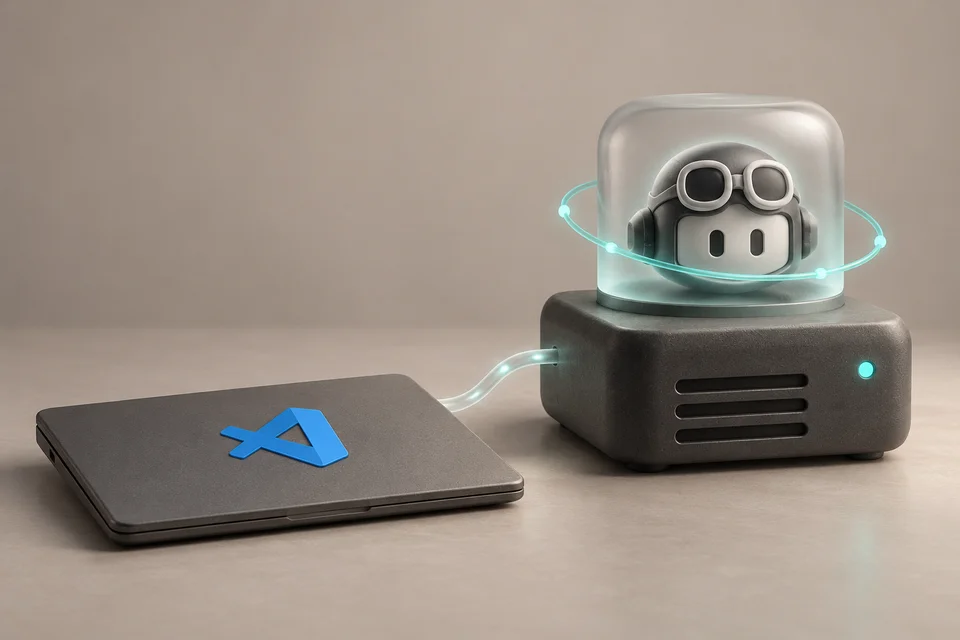
VS Code developers can leave Copilot agents working after closing a project window: the new Agent Host separates sessions from the editor interface. Remote SSH and dev tunnels also let agents execute tasks on another machine after the local client disconnects. That machine and its Agent Host must remain running.
Cloud sessions run on GitHub infrastructure, so closing a laptop does not stop them. Users can continue them in VS Code, the Copilot app, GitHub Mobile, the browser, or CLI. A phone can also control an agent on the developer’s own machine after code agent host --github-environment is started in the project folder. The open Agent Host Protocol supports custom clients, with libraries for five languages.
The Microsoft Copilot SDK-based Copilot harness is now the default for new sessions. Parallel model comparisons, Judge recommendations, and Synthesize result merging are in preview. Desktop app control on macOS and Windows remains experimental: users must enable it and approve each application, and organizations can disable it.
The agent Customization Marketplace and connectors are also in preview. Connectors bring services such as Slack and Notion into sessions without a separately managed MCP server and work with the Copilot harness on all plans. Business and Enterprise administrators must allow Editor preview features for both preview capabilities.
Choose a sign-in method or comment as a guest below.